


GUIDE to WORKING with CHATGPT PRO

€19.80

Includes 0% tax
Total price might change depending on your location

Over the years, I’ve discovered that new technology only really becomes valuable when you learn how to work with it and everyone involved has their own role in the process. Managing doesn’t mean handing everything over; it means asking better questions, exploring possibilities, and setting and steering the course yourself.

And then ChatGPT came into my life. I was absolutely thrilled by it. By the end of this book, you’ll understand why. I want my children and grandchildren to benefit from the practical help ChatGPT gives me, too. 


Good collaboration requires trust. Not blind trust, but trust that grows through experience, clear agreements, and checking results. Make room for new ideas and possibilities, but keep your own judgment.


Know what you can delegate, where your limits lie, and what you remain responsible for yourself. Learn from mistakes, handle information carefully, and build step by step a way of working together that suits you. Because in the end, it’s not about how much you can leave to ChatGPT, but how well you can work together to achieve a result you can trust.


  • SPECIFICATIONS

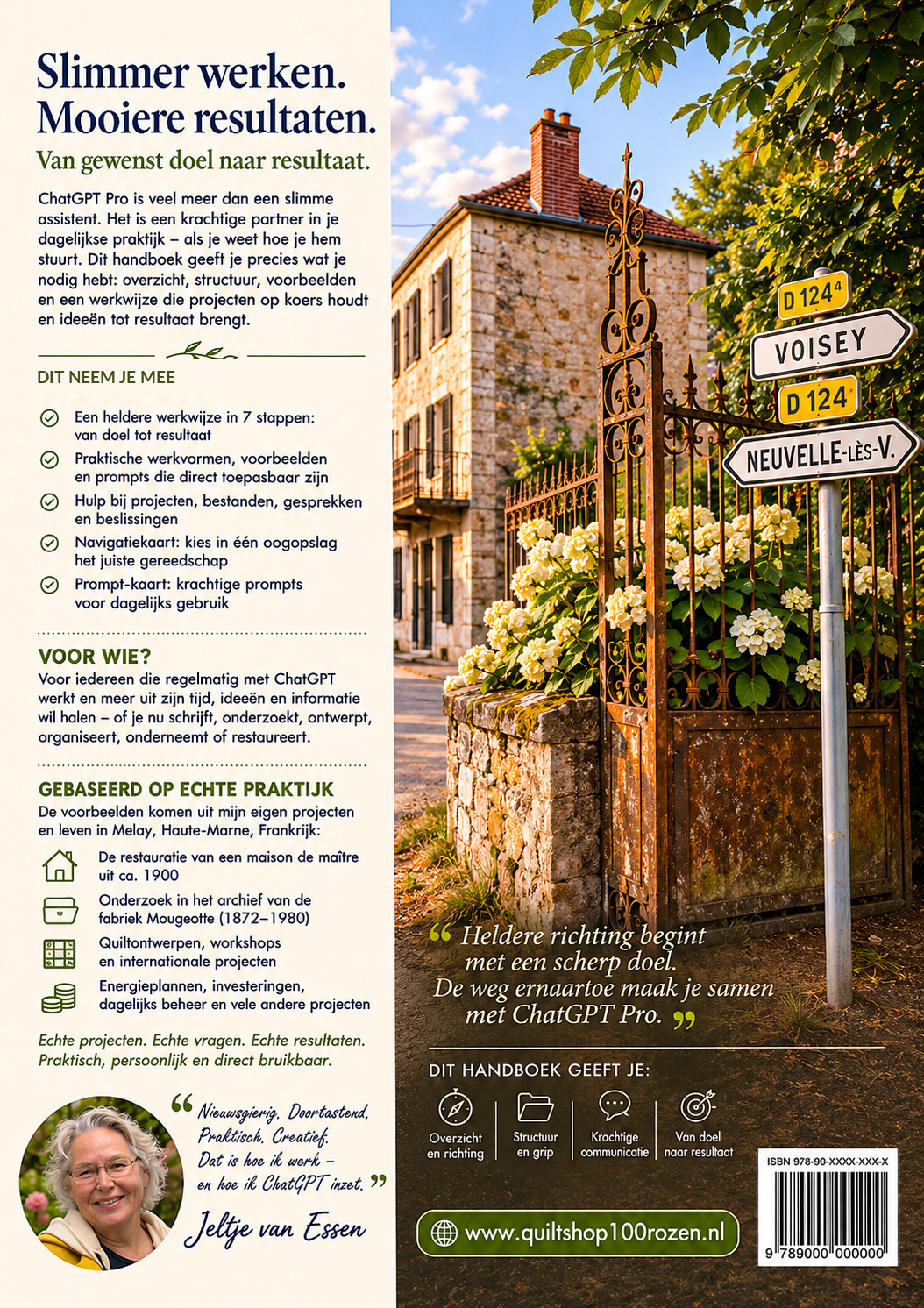
    The book is in Dutch.

    GPT stands for Generative Pre-trained Transformer

    186x240mm*, 46 full-colour pages, printed double-sided (cover printed single-sided) on 120 gsm rustic (warm white) paper, cover printed on 300 gsm linen-embossed (white) paper (back printed single-sided), perfect bound along the long edge, custom-printed spine,

  • HOW TO USE

    How to use this guide

    This guide is a practical reference for anyone who wants to get more out of ChatGPT and use it professionally.

    You don’t have to read it from beginning to end. Each of the seven chapters covers a different aspect of working with ChatGPT.

    Want to get off to a good start?

    Read chapters 1 and 2. You’ll learn how to define the result you want and turn it into a clear brief.

    Working on a larger project?

    Go to chapters 3 and 5. They offer practical guidance on organising your work, tracking decisions, and managing files and project information.

    Not sure which tool you need?

    Use chapter 4 and the Navigation Card to choose the approach that suits your task.

    Want to maintain quality?

    Chapter 6 covers the checks you can use to evaluate and correct results and make them more reliable.

    Working towards a specific end result?

    Chapter 7 walks you through the entire process using Gaston Mougeotte’s historical cashbook research as an example.

    Use the cards too

    The two included cards are designed to sit beside your computer while you work.

    • Navigation Card:  Which tool or check do I need?
    • Prompt Card:  How do I write my brief?

    The guide explains the background and the process. The cards help you put it into practice right away.

    You can refer to the chapters individually. Pick up the guide when starting a new task, getting stuck on a project, or checking a result.

  • Details

    Table of Contents

    Foreword  ................................................................ 4

    1. From desired goal to result  ........................ 5

    ·         Start with the result — 5

    ·         Explore or execute — 6

    ·         Define the parameters — 6

    ·         Make decisions clear — 6

    ·         The daily check — 6

    2. A good brief provides direction  ...................... 7

    ·         Provide essential context — 7

    ·         Specify what must not happen — 7

    ·         Match the format to how it will be used — 7

    ·         Use examples and counterexamples — 7

    ·         Prompt template — 7

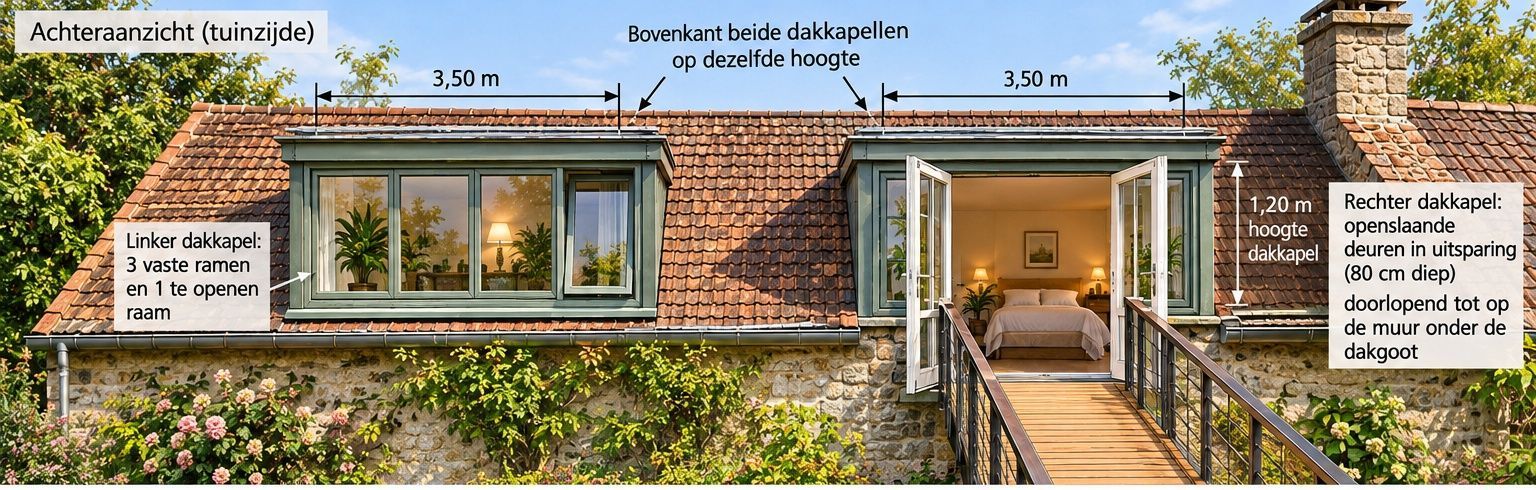
    ·         Case study: clarifying an existing design — 8

    ·         Second case study: renovation of Maison Mougeotte — 9

    ·         Improve the brief, not just the answer — 10

    ·         Reuse — 10

    3. Work in stages and stay in control  ..................... 11

    4. Choose the right tools  .............................. 20

    5. Chats, projects, files and memory  ........ 27

    6. Review, correct and work reliably  ... 30

    7. From collaboration to a useful final result  ... 33

BESTSELLERS

You may also like